Infrastructure as Code on Lineserve Cloud: Getting Started with Terraform
Get started with Terraform on Lineserve Cloud: project structure, defining a server resource, the init, plan, and apply workflow, and safe state management.
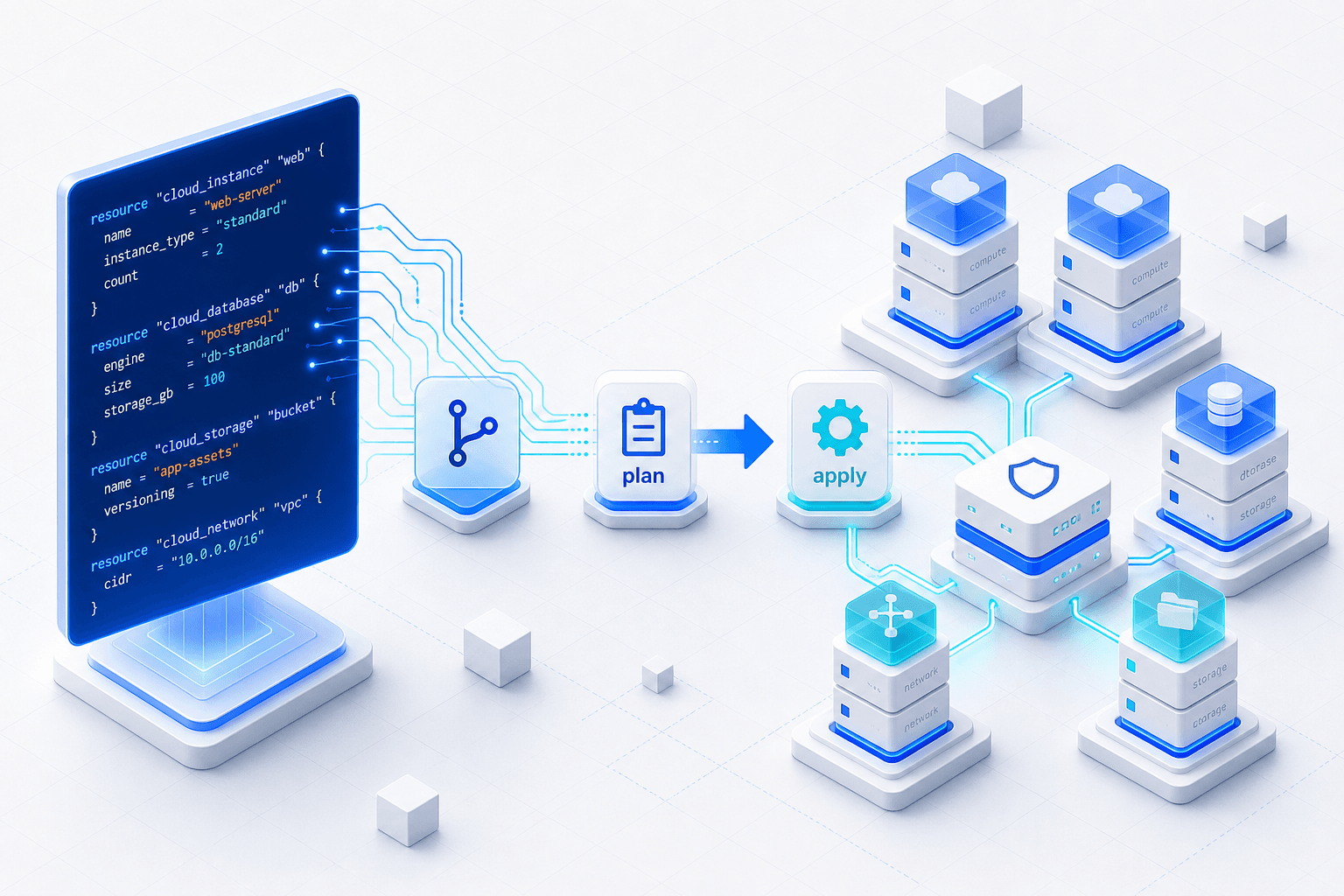
Clicking through a dashboard to create servers works fine — until you need to do it twice, or ten times, or rebuild everything after a mistake. Infrastructure as Code (IaC) replaces manual clicking with declarative files you can version, review, and reproduce. Terraform is the most widely adopted IaC tool, and it works beautifully for managing cloud servers. Here is how to get started.
Why infrastructure as code?
- Reproducibility — the same config produces the same infrastructure, every time.
- Version control — your infrastructure lives in Git alongside your application, with history and code review.
- Disaster recovery — rebuilding after an outage becomes a single command instead of a frantic afternoon.
- Collaboration — teammates can see exactly what exists and propose changes through pull requests.
Install Terraform
# macOS
brew install terraform

# Linux
wget -O- https://apt.releases.hashicorp.com/gpg | gpg --dearmor | sudo tee /usr/share/keyrings/hashicorp-archive-keyring.gpg
sudo apt update && sudo apt install terraform

terraform -version
Structure a project
A minimal Terraform project is just a directory with a few .tf files. Keep provider configuration, variables, and resources in separate files as the project grows:
infra/
  main.tf        # resources
  variables.tf   # input variables
  outputs.tf     # values to expose
  terraform.tfvars  # your actual values (git-ignored)
Define a server
Terraform describes what you want, not the steps to get there. A resource block for a virtual server looks roughly like this:
resource "example_server" "web" {
  name       = "web-01"
  image      = "ubuntu-22.04"
  size       = "s-1vcpu-2gb"
  region     = "af-east"
  ssh_keys   = [var.ssh_key_id]
}

output "server_ip" {
  value = example_server.web.ipv4_address
}
The core workflow
Three commands cover ninety percent of day-to-day Terraform:
terraform init     # download providers, set up the working directory
terraform plan     # preview exactly what will change
terraform apply    # make it real
Always read the output of terraform plan before applying. It shows every resource that will be created, changed, or destroyed — your last chance to catch a mistake before it happens.
Manage state carefully
Terraform tracks the real world in a terraform.tfstate file. For solo projects, keeping it local is fine. For teams, store it in a shared remote backend so everyone works from the same source of truth and changes are locked to prevent conflicts. Never commit state to Git — it can contain secrets.
Where to go next
Once you are comfortable provisioning a single server, the same patterns scale to networks, load balancers, databases, and DNS. Combine Terraform for provisioning with a configuration tool like Ansible for what runs inside the servers, and you have a repeatable, reviewable, disaster-proof foundation for everything you build.